

Studies show that 53% of mobile users leave a site if it takes longer than three seconds to load. It may not sound like much, but those few extra seconds are often enough for a visitor to lose patience and move on.
A slow-loading website is more than just an inconvenience. It frustrates visitors, increases bounce rates, impacts search engine rankings, and ultimately makes managing your business more difficult than it needs to be.
Many owners mistakenly believe that fixing speed issues is as simple as upgrading to a faster hosting plan or installing another plugin. But the truth is, slow WordPress sites suffer from a mix of issues, some technical, some about how the site is set up, and some about what’s loading in the background without you even realizing it.
To help you cut through the confusion, here’s a clear, practical guide that shows how to uncover the real causes, fix them without guesswork, and keep your site running smoothly.
How to Know if a Website is Slow
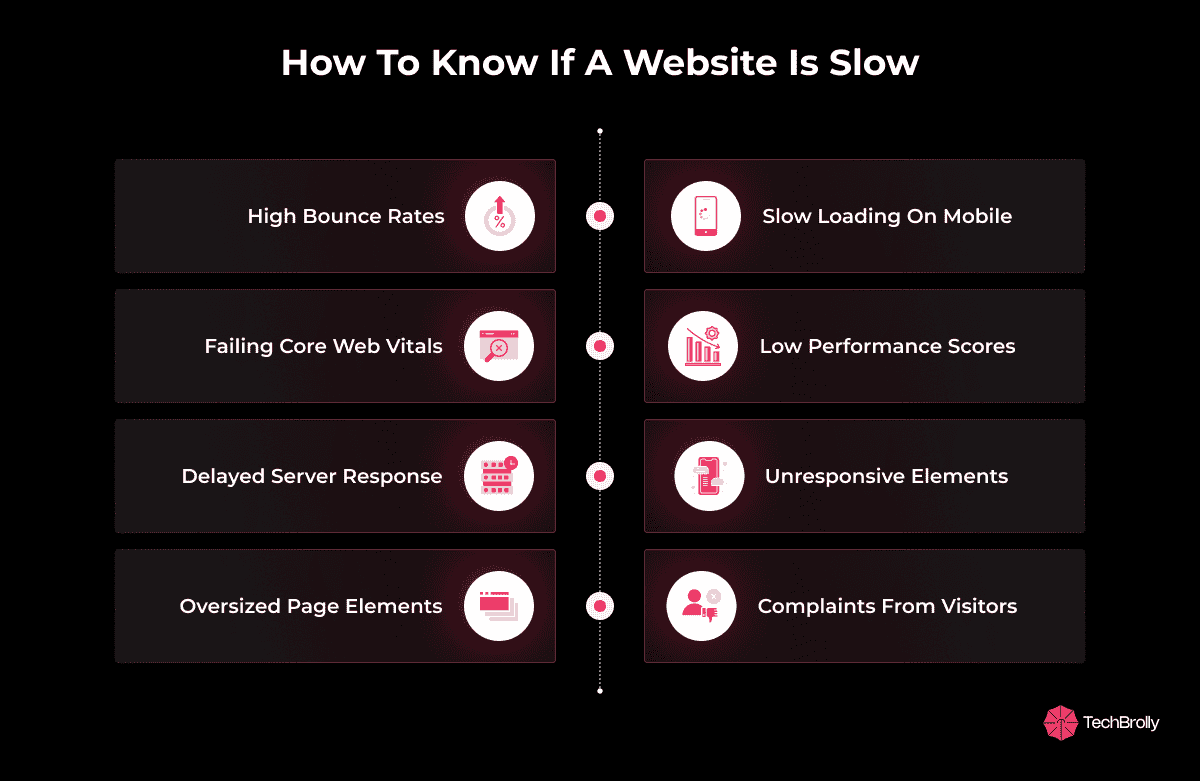
To get a straight answer to this, you can simply enter the website URL on Google PageSpeed Insights and get a simple analysis. Google says it’s best to have your website load in under 2 seconds. Although there’s no strict rule, it will still work in your favor if your website doesn’t lag and displays the main screen content within a flash after the user clicks on it.
When you’re unsure about your site’s performance, these quick checks will help you evaluate its speed.
- High bounce rates, where visitors leave almost immediately
- Pages are taking noticeably longer to load on mobile devices
- Failing Core Web Vitals in Google Search Console
- Low scores on PageSpeed Insights, GTmetrix, or Pingdom
- Long server response time before content appears
- Buttons, menus, or forms feel unresponsive after loading
- Oversized images, videos, or scripts increase page weight
- Direct complaints from users about site slowness
Why Speed Matters More Than You Think
Before we get to the point of fixing the website speed, it is important to understand why it is crucial in the first place. The way people interact with websites has changed. They’re not waiting around. If your site takes more than a couple of seconds to load, they often leave without seeing what you offer.
People naturally trust a fast, responsive site more than one that drags. And search engines now use real-world performance data as a ranking factor.
Here’s why it’s a core part of how people experience and remember your brand.
-
Speed Defines User Retention
A slow site loses visitors before they even engage. Google’s own research shows that 53% of mobile users leave if a page takes more than 3 seconds to load. Each additional second raises abandonment sharply, and those users rarely return.
-
Speed Impacts Search Rankings
Google’s Core Web Vitals (Largest Contentful Paint, Interaction to Next Paint, and Cumulative Layout Shift) directly measure performance. Sites failing these benchmarks don’t just frustrate users; they risk being pushed down in search results. That means fewer impressions, less organic traffic, and higher advertising costs to make up for lost visibility.
-
Speed Converts Into Sales
Performance improvements translate into measurable revenue. Amazon reported that every 100ms of delay costs them about 1% of sales, while Walmart saw up to a 2% lift in conversions for each second they saved. Even tiny optimizations, like Deloitte’s study showing a 0.1s speed increase boosted mobile conversions by 8%, make a measurable difference.
-
Speed Builds or Breaks Trust
Visitors judge credibility by experience. A site that lags signals unreliability, no matter how strong the product or service is. Studies confirm that 79% of customers are less likely to return to a slow website, showing that performance directly influences long-term trust and repeat business.
What Really Slows Down a WordPress Site
If your site feels slow, it’s rarely just one thing. Here are the most common causes and what they mean for you.
1. Your Hosting Isn’t Pulling Its Weight
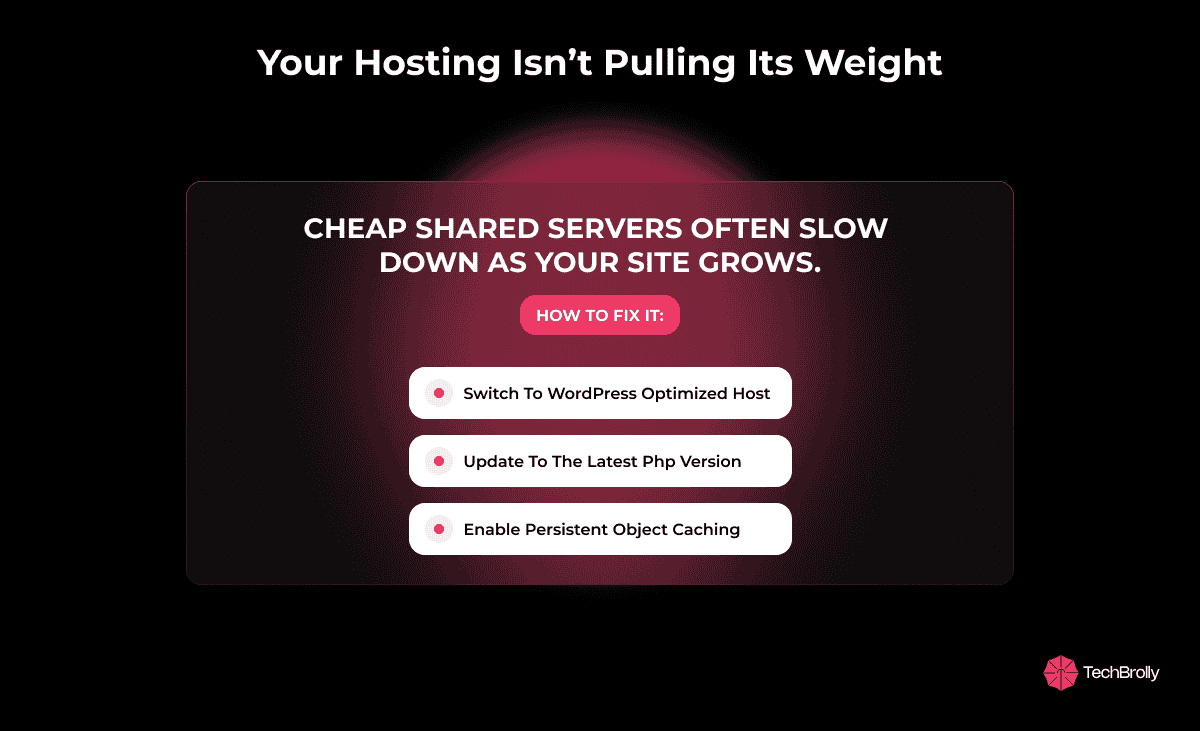
Think of hosting as the foundation of your house. If the base is weak, no matter how well you decorate, cracks will show up. Cheap shared hosting often works when your site is small, but as traffic and content grow, the server struggles to keep up.
When too many websites share the same resources, your site slows down even if it doesn’t have much traffic at that moment. A common red flag is slow server response time (measured as Time to First Byte). If this is high, no amount of front-end tweaking will fully solve the issue.
How to fix it:
- Choose a host optimized for WordPress with faster server software like LiteSpeed or Nginx.
- Make sure you are on the latest stable version of PHP, as newer versions are significantly faster.
- Ask your host about support for persistent object caching (Redis or Memcached), which stores frequently used data for faster retrieval.
- If traffic is growing fast, consider moving from shared hosting to VPS or managed WordPress hosting.
2. A Heavy Theme or Page Builder
Imagine trying to run a marathon with a backpack full of bricks. That’s what bloated themes and page builders do. They pack in dozens of features and visual effects, many of which you never use. Each feature adds extra CSS, JavaScript, and sometimes even database calls, which all slow your site down.
Page builders like Elementor or WPBakery are flexible, but if you stack complex layouts, you’re adding weight that users pay for in waiting time.
How to fix it:
- Use a lightweight theme like GeneratePress, Astra, or Blocksy, which are designed with performance in mind.
- Keep your above-the-fold design simple. Visitors want clarity, not fireworks.
- Replace large sliders with one high-quality, optimized image that loads instantly.
- If you must use a builder, learn how to optimize layouts, avoid unnecessary widgets and stick to lean templates.
3. Oversized Images and Media Files
Uploading raw camera images is like trying to push a sofa through a doorway without removing the legs; it’s bulky, unnecessary, and slows you down. High-resolution images, GIFs, and uncompressed videos balloon your page size, which forces visitors’ browsers to download more data than needed.
Even a handful of oversized images can push your page size into several megabytes, hurting both desktop and mobile load times.
How to fix it:
- Compress images before uploading using tools like ShortPixel, Imagify, or TinyPNG.
- Convert images to WebP or AVIF for smaller file sizes without losing quality.
- Implement lazy loading so images below the fold only load when users scroll down.
- For video, avoid auto-play backgrounds. Host videos on YouTube/Vimeo and embed with a preview image to delay loading until the visitor clicks.
4. Too Much CSS and JavaScript Loading at Once
Every plugin, theme, and feature ships with its own files. If they all load at the same time, your visitors wait while the browser processes everything before showing content. It’s like inviting guests over but making them wait outside until you finish setting every single plate on the table. They’d rather sit down and see the main dish first, while you bring the extras later.
How to fix it:
- Minify CSS and JS files so they take up less space.
- Defer non-critical scripts like sliders, chat boxes, or social sharing until after the main page is visible.
- Use critical CSS to ensure only the essential styles load first, keeping the above-the-fold area fast.
- Use performance plugins like WP Rocket, Autoptimize, or LiteSpeed Cache for automation.
5. Plugins That Do More Harm Than Good
Not every plugin is built with performance in mind. Some load unnecessary scripts on every page, while others make too many database queries. Think of it like appliances in your home, some are energy-efficient, while others drain power without you noticing. A few bad plugins can drag down your entire site.
How to fix it:
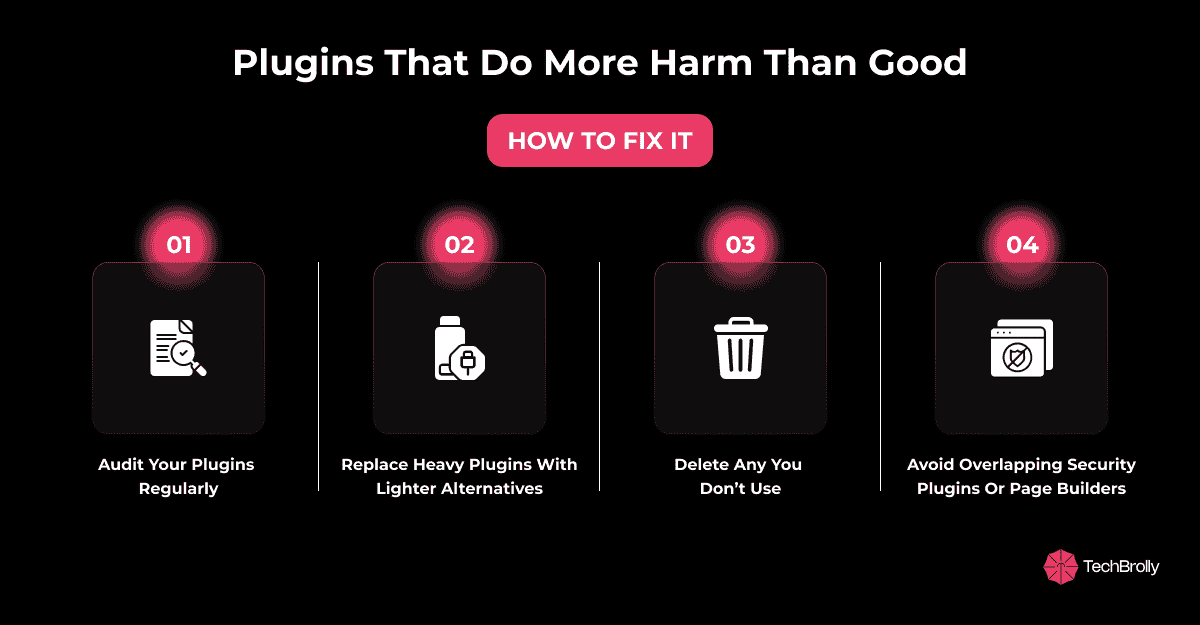
- Audit your plugins regularly and delete those you don’t use.
- Check if plugins are loading assets on all pages (use Query Monitor or Asset CleanUp to test).
- Replace heavy plugins with lighter alternatives. For example, instead of a feature-packed SEO suite, you might only need a slim SEO plugin if you use minimal features.
- Avoid overlap, don’t run two security plugins or two page builders.
6. A Bloated Database
Your database is the storage room of your website. Over time, it collects clutter: post revisions, spam comments, expired transients, and data from plugins you no longer use. Just like a messy closet, the more junk it has, the harder it is to find what you need. Slow queries = slow page generation.
How to fix it:
- Use WP-Optimize or Advanced Database Cleaner to clear junk regularly.
- Limit WordPress post revisions (you rarely need dozens of drafts stored).
- Offload heavy tasks like scheduled reports or backups to real server cron jobs instead of WordPress’ built-in cron.
- If your site is large, consider a persistent object cache to ease the database load.
7. No Content Delivery Network (CDN)
If your visitors are spread across the globe, loading everything from one server is like sending every package from a single post office; it takes longer for distant customers. A CDN solves this by caching your site’s content on servers around the world, so each visitor loads from the nearest location.
How to fix it:
- Use a CDN such as Cloudflare, BunnyCDN, or KeyCDN for global reach.
- Enable features like image resizing and compression at the edge to reduce load.
- Combine CDN caching with a page caching plugin for maximum speed.
8. Third-Party Scripts Loading Early
Chat widgets, ad networks, and analytics tools are helpful, but can block your site if they load too early. It’s like greeting guests by making them sit through your security camera footage before they can walk inside. Users should see your page first; extras can load later.
How to fix it:
- Delay non-essential scripts until after the main content is visible.
- Use “load on interaction” for tools like chat boxes; only activate them when the visitor clicks.
- Only add scripts on the pages that actually need them. For example, load your booking widget only on the booking page.
Common Mistakes That Keep Sites Slow
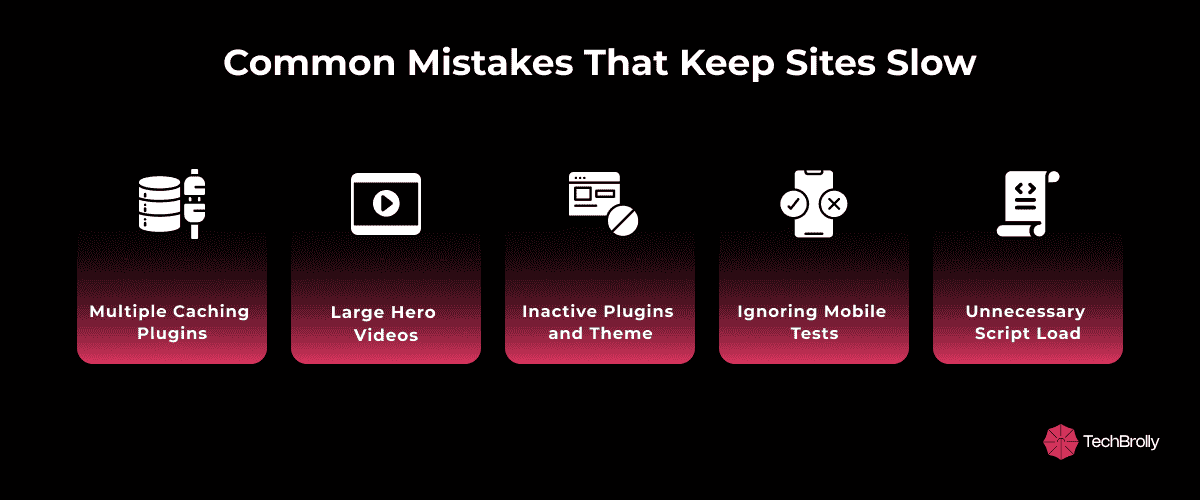
- Installing multiple caching plugins – Using two or more caching plugins often causes conflicts and duplicate processes. One reliable, well-configured plugin is all you need.
- Using large hero videos without optimization – High-resolution autoplay videos look impressive, but drastically slow load times. Always compress, use modern formats, and enable lazy-loading.
- Leaving unused plugins and themes active – Even inactive plugins and themes can add clutter and overhead. Regularly deactivate and delete the ones you no longer use.
- Ignoring mobile performance tests – A site that feels smooth on desktop can be sluggish on mobile. Since most visitors come from mobile, test performance on real devices.
- Loading scripts everywhere – Many plugins load their scripts across the entire site, even if needed only on one page. Use asset optimization to load scripts only where necessary.
Here’s How We Turned a Slow Site Around
A cannabis e-commerce client came to us with a big problem. Their site looked good, but loaded painfully slow, especially on mobile. Visitors were dropping off after a few seconds, bounce rates were high, and even loyal customers were beginning to complain. It was like having a store with the lights on but the door stuck shut.
The Challenge: The store had all the right elements: quality products, clean branding, and steady traffic. What it didn’t have was speed. On mobile, pages took more than 5 seconds to load, long enough for impatient shoppers to click away.
The Solution: We rebuilt the site’s performance layer by layer. LiteSpeed hosting gave it a stronger base. Product images were compressed and converted into WebP, instantly trimming page size. A slow, flashy slider was swapped for a static banner that loaded in a snap. We deferred heavy scripts so they loaded after the main content, and removed two unused plugins that were silently dragging the site down.
The Results: Load times dropped from 5 seconds to under 2. Mobile shoppers stayed longer, browsed more, and bought more. Sales grew, Google’s PageSpeed scores improved, and the business owner finally felt confident promoting the store again. What started as a slow, frustrating experience became a fast, reliable storefront that kept up with the buzz.
Final Words
Speed is not about chasing a perfect PageSpeed score; it is about creating a site that feels effortless to use. A faster WordPress site builds trust, keeps people browsing longer, and directly supports your sales and rankings.
The best part is that improvements do not need to be overwhelming. Begin with simple fixes like compressing images, enabling caching, and cleaning out unused plugins. Once those are in place, move toward advanced steps such as deferring scripts, fine-tuning your database, and setting up a CDN. These changes often produce measurable results in days, not months, giving both your visitors and your business an immediate win.
If you want expert assistance to level up your website performance, TechBrolly is the place to be. We have helped clients transform their websites into lead magnets, and we can help you achieve the same success. Our expertise, built over years of experience, will help you identify the gaps, close performance loops, and turn your site into a fast, reliable platform that drives growth.
FAQs
Do I need to hire a developer to speed up my WordPress site?
Yes, and it is often the smartest move. Plugins can handle basic fixes like caching or image compression, but they cannot tackle deeper issues such as server performance, database optimization, or script handling. This is where TechBrolly’s developers step in. We identify the real causes of slowness, apply proven fixes, and ensure your site runs at peak speed without trial and error.
How can I optimize my WordPress site for mobile speed?
Mobile visitors expect instant loading, and small delays can cost you conversions. At TechBrolly, we combine technical upgrades like CDN integration, caching, and script deferral with design-focused adjustments for mobile. The result is a site that loads smoothly on any device, keeping your mobile audience engaged instead of bouncing.
What is the easiest way to speed up my site without technical skills?
While one-click tools exist, they rarely solve the root problems. If you want lasting results without struggling with technical settings, TechBrolly handles everything for you. From plugin cleanups to performance tuning, we ensure your site gets measurable speed improvements you can actually see in load times and conversions.
Is using a CDN worth it if I only serve a few static files?
Yes, because speed is not just about volume but about distance. Even a small site benefits when content is delivered from the closest server to your visitors. TechBrolly helps configure CDN solutions like Cloudflare or BunnyCDN so your site loads faster, no matter where your audience is.
Why is hosting important for site speed, and what should I look for?
Hosting is the foundation of performance. If your server is slow, no amount of plugins can fix it. At TechBrolly, we recommend and configure WordPress-optimized hosting with LiteSpeed or Nginx servers, PHP 8 or higher, and advanced caching like Redis. This ensures your site can handle traffic spikes while staying fast and reliable.
