

Does your WordPress site feel slower or less effective than expected? Sometimes, even with the best intentions, small WordPress mistakes can slowly build up. They may not seem urgent at first, but over time, they can weaken security, slow down performance, and quietly affect how visitors experience your website.
However, most of these issues are not permanent. With a little attention and the right approach, you can fix them before they hold you back.
In this blog, we’ll gently walk through the most common WordPress mistakes, how they affect your WordPress website performance, and offer you simple, practical ways to fix WordPress mistakes so your site runs smoothly again.
So, let’s get started!
How WordPress Mistakes Can Impact Website Performance
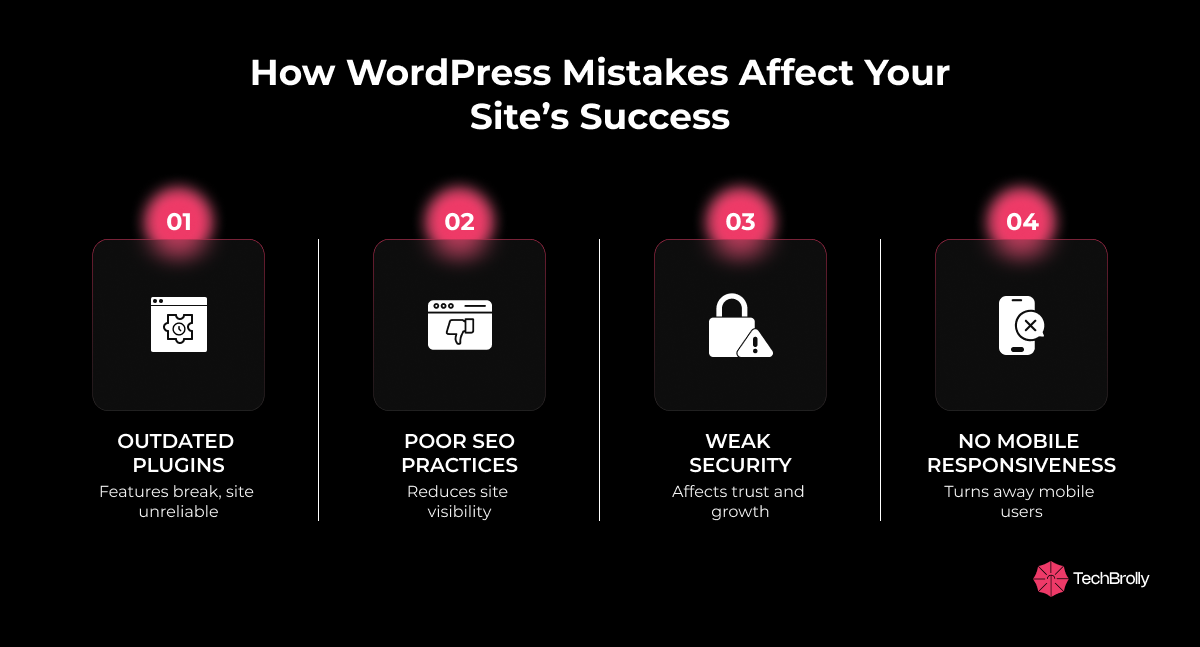
The performance of your WordPress website impacts how people interact with it. When common mistakes slip through unnoticed, they quietly begin to slow your site. Loading times stretch longer, visitors grow restless, and the overall experience starts to feel frustrating. These issues often begin with something as simple as outdated plugins and can extend to bigger challenges like poor SEO practices or weak security.
Take, for example, a business blog. If you continue to run it on an outdated WordPress version, plugins may stop working as expected, features may break, and the site quickly loses reliability. Similarly, overlooking mobile responsiveness can turn away a large share of users who browse on their phones.
In the end, these WordPress performance mistakes don’t just affect speed; they affect trust, visibility, and the growth of your website.
Common WordPress Mistakes That Hurt Websites the Most
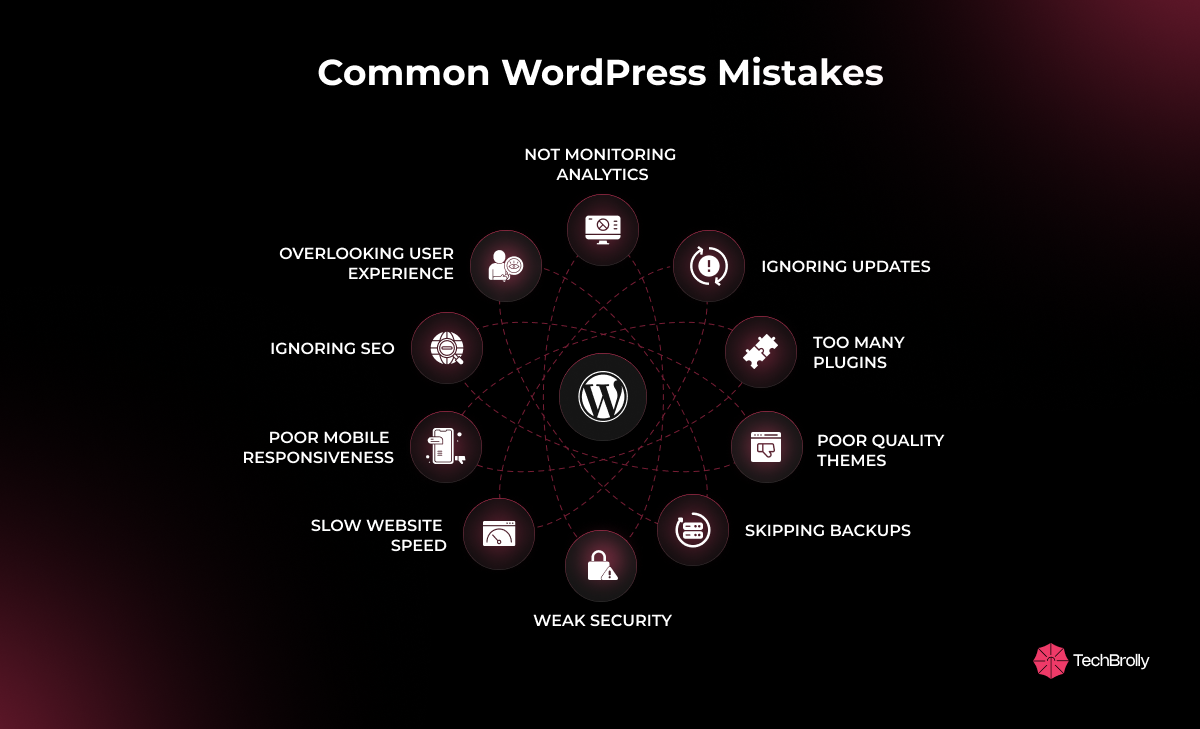
Many WordPress websites don’t struggle just because they lack effort, but due to small, avoidable mistakes. Here are some of the common WordPress mistakes to avoid:
1. Ignoring Regular Updates
One of the most common WordPress mistakes is not updating it regularly. And when you have an outdated WordPress core, plugins, or themes, it leaves your site open to bugs and security risks. Even when there is a small, old plugin, it can become a target for hackers and create bigger problems down the line.
The simplest way to fix this is by enabling automatic updates wherever possible and taking a few minutes each week to check your dashboard. And when your website is up to date, you can prevent many WordPress website issues, keep your site secure, and ensure it runs smoothly for visitors without extra stress.
2. Using Too Many Plugins
Plugins are very helpful when it comes to adding new features and functionalities to your WordPress site. But, at the same time, adding too many plugins can also create problems. Each plugin uses resources, and too many of them can slow down your site or cause a conflict. That’s why using many plugins is a common mistake and goes unnoticed until your website starts to get sluggish or some of the features stop working.
However, you can easily fix these issues with some simple steps. For that, you have to take time and audit your plugins regularly. Then, keep only the essential ones from trusted developers, and consider replacing several smaller plugins with a single multifunctional plugin. This improves the performance of your WordPress website and makes it more stable and reliable for visitors.
3. Choosing Poor Quality Themes
A theme sets the foundation for your WordPress website, but choosing a poor-quality one can create more problems than it solves. At first, you may find free or poorly coded themes appealing, yet they often slow down your site, lack SEO optimization, and sometimes even hide security risks. That’s why picking the wrong theme is one of the most common WordPress mistakes.
This mistake is easy to avoid by choosing themes from trusted marketplaces like ThemeForest or Elegant Themes. Well-optimized themes not only improve speed and design but also ensure better support and long-term stability.
4. Skipping Website Backups
One of the biggest WordPress mistakes people usually make is skipping regular website backups. It may not seem urgent until something goes wrong, such as a crash, a failed update, or even a hack. Suddenly, all your work, content, and settings could be at risk. Without a backup, recovery becomes stressful and sometimes impossible.
To fix this issue, you can use trusted WordPress backup plugins such as UpdraftPlus or connect your site to cloud services for automated backups. And don’t forget to test recovery occasionally, so you know your safety net will actually work when you need it most.
5. Weak Website Security Practices
Most of the time, website security is neglected, and with that, many WordPress mistakes begin. Weak passwords, skipping SSL certificates, or ignoring firewalls leave gaps that hackers can easily exploit. These small oversights can put your entire site, and even visitor trust, at risk.
However, securing your WordPress website isn’t complicated. You can start by using strong passwords, installing reliable security plugins like Wordfence, and making sure your site runs on HTTPS. Another way is to add regular malware scans, which gives you peace of mind, keeping your site safer and more trustworthy for every visitor.
6. Not Optimizing Website Speed
Website speed is the first thing visitors notice, and ignoring it is a common WordPress mistake. A slow-loading site often drives people away before they even see your content. It could be due to heavy images, too many scripts, or poor hosting, which usually cause the slowdown.
And you can easily resolve this with some simple yet effective methods. You can start by using caching plugins, then compress and optimize your images, and choose reliable hosting that supports fast performance. When you have a faster WordPress website, it not only improves SEO rankings but also creates a smoother, more enjoyable experience for your visitors.
7. Poor Mobile Responsiveness
Most people browse the web on their phones, which makes mobile responsiveness essential. And if your WordPress website is not mobile responsive, it can cost you traffic, search visibility, and even user trust. A site that doesn’t adapt well to smaller screens feels frustrating to use, and visitors often leave before engaging with your content.
And if you want to resolve this issue, you can start by choosing a responsive WordPress theme and testing your site across different devices. You can do that with tools like Google’s Mobile-Friendly Test, which makes it easy to spot issues and ensure your website works seamlessly for every visitor.
8. Ignoring SEO Best Practices
Search engine visibility is important for growth, but many websites struggle with WordPress SEO mistakes. Common issues include missing meta tags, duplicate content, and poor keyword optimization, which quietly reduce your chances of ranking well. Over time, these gaps hurt visibility and traffic.
So, if you are facing the same issues and want to overcome them, you can start with reliable plugins like Yoast SEO or Rank Math, then focus on optimizing your titles, meta descriptions, and internal linking. Small improvements in SEO best practices can make your WordPress website more discoverable and rewarding to maintain.
9. Overlooking User Experience Design
If your website lacks a smooth and thoughtful design, visitors will notice right away. This problem starts with ignoring user experience, which often leads to issues like cluttered layouts, confusing navigation, and slow-loading forms. These frustrate users and drive them away. When your website has a poor user experience, it not only lowers engagement but also reduces trust and credibility.
To fix these issues, you have to keep your navigation clean, choose readable fonts, and make accessibility a priority. You can do that by asking for feedback regularly. It will help you spot gaps, so your WordPress website becomes more inviting, user-friendly, and effective.
10. Not Monitoring Website Analytics
If you’re not keeping track of your website data, you can easily miss important insights. This mistake can quietly hold your website back and make it hard to understand how visitors behave. Without analytics, you don’t know what’s working, what needs fixing, or how people interact with your content.
However, you can easily resolve this issue by connecting your site to Google Analytics or tools like MonsterInsights and then reviewing the data regularly. By monitoring analytics, you can make informed decisions that improve content, design, and overall WordPress website performance.
The Long-Term Value of Avoiding WordPress Mistakes
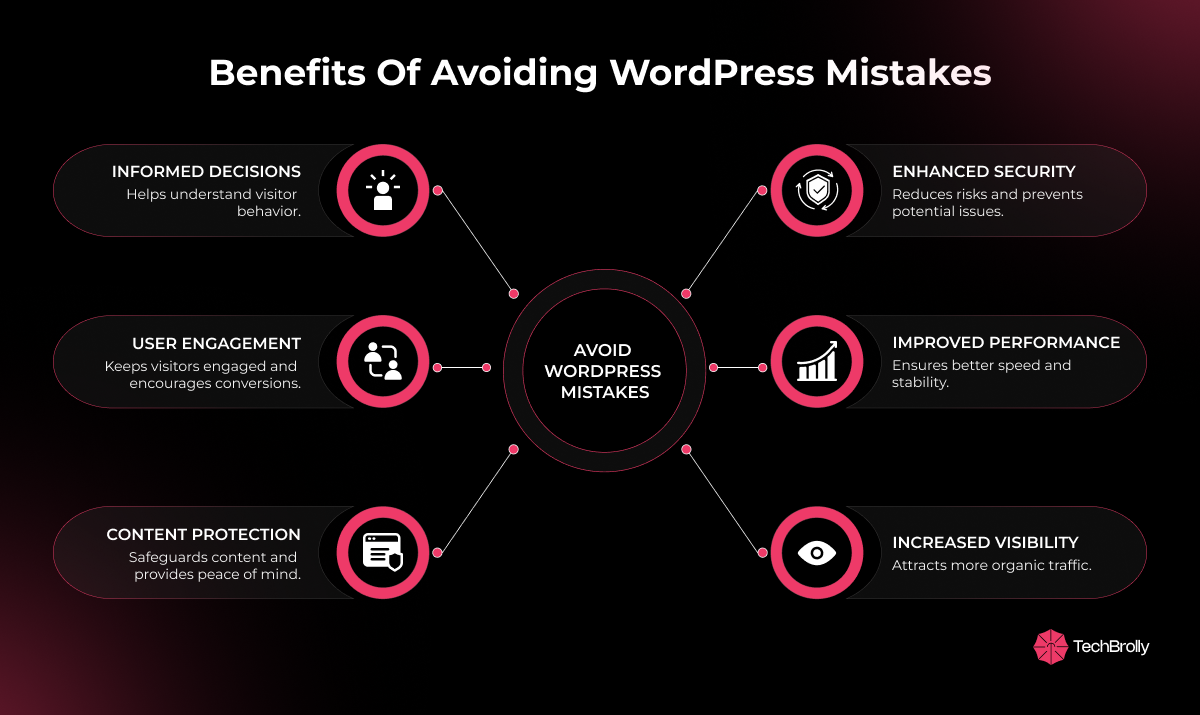
Here are the key benefits you gain when you avoid common WordPress mistakes, helping your website perform at its best:
- Keeping plugins and themes updated reduces security risks and prevents potential issues.
- Using reliable, well-coded themes ensures better performance and long-term stability.
- Optimizing your site for SEO improves visibility and brings more organic traffic.
- Regular backups and monitoring protect your content and give peace of mind.
- Focusing on mobile responsiveness and user experience keeps visitors engaged and encourages conversions.
- Tracking analytics helps you understand visitor behavior and make informed decisions.
With these small and consistent steps, you can turn WordPress website challenges into opportunities for growth and success.
Real Life Examples of WordPress Mistakes and Improvements
It is very common for websites to face WordPress mistakes that hurt speed, SEO, or user experience. Several real-life cases show how small changes can completely transform performance.
One of the examples is of WPBeginner, where removing unnecessary plugins and switching to a lighter theme fixed WordPress performance issues and improved site speed.
In another case, Kinsta worked with an online store that faced checkout problems due to outdated WooCommerce plugins. By updating and securing the site, sales quickly recovered.
These real-world improvements prove that avoiding common WordPress mistakes can lead to faster websites, better SEO, and higher conversions.
Effective Steps to Keep a WordPress Website Healthy
Keeping your WordPress website healthy is easier when you build small habits into your routine.
Here are some simple steps you can follow:
- Remove unused images and files from your media library regularly.
- Delete old drafts, spam comments, and inactive plugins to keep the site clutter-free.
- Check your website on mobile devices to ensure smooth browsing.
- Monitor loading speed with free tools like Google PageSpeed Insights.
- Update your website content often to stay fresh and SEO-friendly.
- Review user feedback to catch design or navigation issues early.
These simple habits prevent common WordPress mistakes and keep your site running smoothly. And if you ever need extra help, working with trusted professionals at tecHindustan ensures your website stays fast, secure, and user-friendly for every visitor.
Final Thoughts on Fixing WordPress Mistakes
If you own a WordPress website, it’s very common to make mistakes while managing it. The important thing is that most of these WordPress website errors can be avoided with a few simple steps.
And to do that, you can start by taking time to notice and fix them. It will keep your site secure, improve speed, and create a smoother experience for your visitors. Making small, steady efforts like this builds trust and helps your website grow stronger over time.
If you’re facing challenges like a slow WordPress website, broken features, or low user engagement and aren’t sure how to fix them, tecHindustan can step in with steady, reliable support to help you move forward with confidence.
FAQs
What are the most common WordPress mistakes?
The most common WordPress mistakes include ignoring updates, using too many plugins, skipping regular backups, and neglecting mobile optimization. These small oversights can quietly affect your site’s speed, security, and overall user experience.
How do WordPress mistakes affect website performance?
WordPress mistakes can slow down your site, create security vulnerabilities, and lower search engine rankings. Even minor errors, like outdated plugins or poor mobile design, can impact user experience and reduce traffic and engagement over time.
Can poor theme choices hurt WordPress websites?
Yes, choosing a poorly coded or unsupported theme can cause compatibility issues with plugins, slow down your site, and weaken SEO. A reliable, well-optimized theme ensures smooth performance and better visibility in search engines.
How do I fix WordPress security mistakes?
Fix WordPress security mistakes by using strong passwords, enabling SSL certificates, keeping your software updated, and installing trusted security plugins. Regular monitoring helps prevent hacks and keeps your website safe and reliable.
How often should I update WordPress plugins and themes?
Check your WordPress plugins and themes at least weekly. Updating to the latest versions ensures better performance, stronger security, and compatibility, helping prevent common WordPress mistakes from affecting your site.
